Here's a statistic that should fundamentally change how you think about your website: as of 2025, more than 63% of all web traffic globally comes from mobile devices. That means nearly two-thirds of the people who visit your website are doing so on a phone or tablet — not a desktop computer. If your website isn't designed with mobile users as the primary audience, you're delivering a substandard experience to the majority of your visitors.
This guide explains what mobile-first design actually means, why it matters more than ever in 2025, and what you need to do to ensure your business website meets the expectations of today's mobile-dominant audience.
What Is Mobile-First Design?
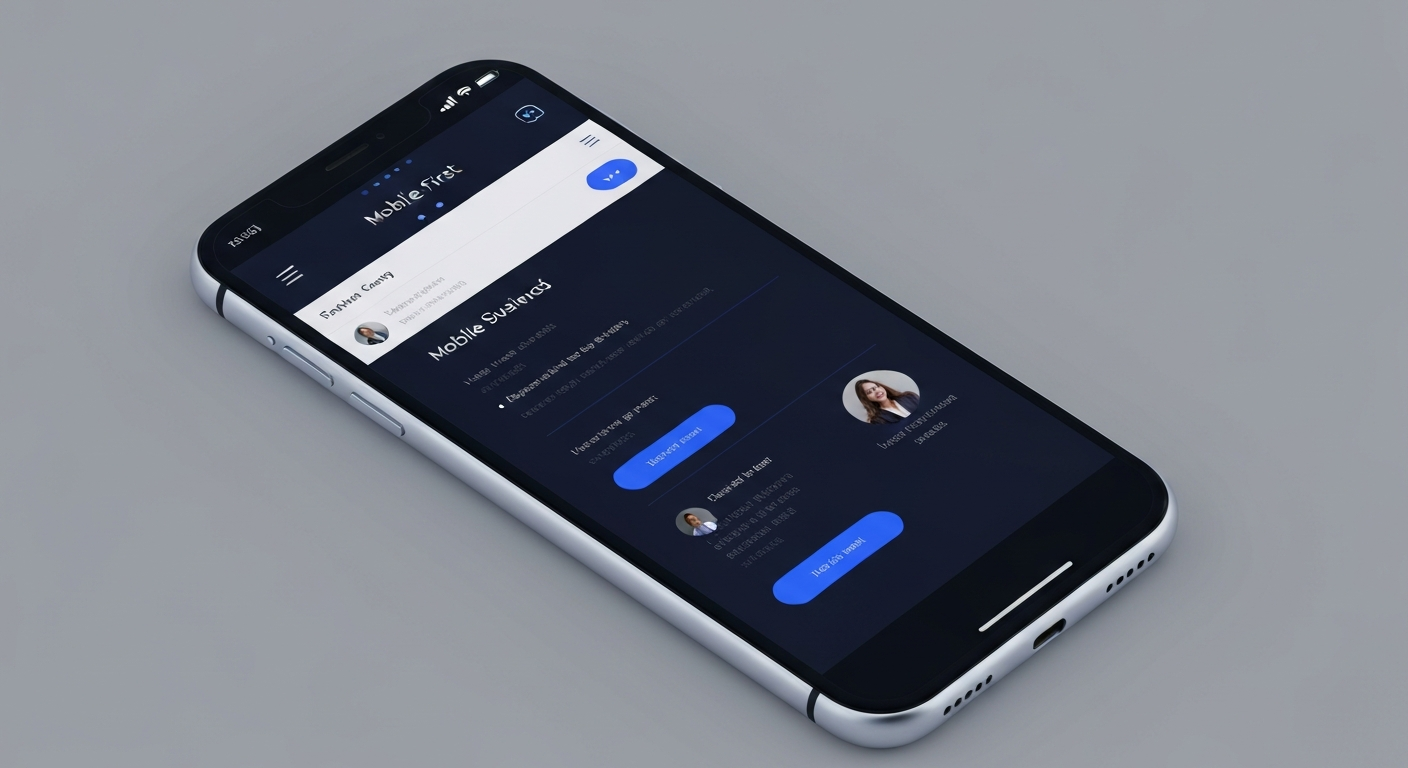
Mobile-first design is a development philosophy that starts with designing and optimizing for the smallest screen first (mobile), then progressively enhancing the experience for larger screens (tablet, desktop). This is the opposite of the traditional approach, which designed for desktop and then tried to squeeze the experience onto mobile screens.
The distinction matters enormously in practice. Mobile-first design means your navigation is thumb-friendly, your text is readable without zooming, your buttons are large enough to tap without frustration, your images load quickly on cellular connections, and your forms are easy to complete on a small screen.
A website that was "mobile-responsive" in 2018 — meaning it technically adapted to mobile screens but wasn't designed with mobile users in mind — will feel frustrating and amateur to users in 2025. Modern mobile-first websites are purpose-built for the mobile experience.
Why Mobile-First Matters for Your Business in 2025
1. Google Ranks Based on Mobile Performance
Since 2019, Google has used mobile-first indexing for all websites. This means Google primarily uses the mobile version of your site to determine your search ranking — not the desktop version. If your mobile site is slow, hard to navigate, or lacks content that appears on your desktop site, your search rankings will suffer accordingly.
Google's Core Web Vitals — a set of performance metrics that directly impact search rankings — are measured on mobile. LCP (Largest Contentful Paint), CLS (Cumulative Layout Shift), and INP (Interaction to Next Paint) on mobile are what Google is evaluating when it decides where to rank your pages.
2. Mobile Users Convert Differently — and Increasingly More
Mobile commerce (m-commerce) accounted for over $510 billion in US sales in 2024 and continues to grow. For service businesses, mobile visitors are increasingly the ones filling out contact forms, booking appointments, and making purchase decisions. A friction-filled mobile experience directly translates to lost revenue.
Research by Google found that 53% of mobile users will abandon a site that takes more than three seconds to load. On desktop, users are more patient — on mobile, they're in motion and have no tolerance for slow, clunky experiences.
3. Local Search Is Overwhelmingly Mobile
"Near me" searches have grown over 150% in recent years — and they're conducted almost entirely on mobile devices. When potential customers search for your type of business in your area, they're likely doing it on their phone while driving, walking, or sitting in a waiting room. If your mobile experience is poor, you lose these high-intent, ready-to-buy visitors immediately.
4. First Impressions Happen on Mobile
For many potential customers, their first interaction with your brand will be on a mobile device — whether from a social media link, a Google search, or a referral. The quality of that first mobile experience shapes their immediate perception of your business's professionalism, credibility, and quality. A bad mobile experience is a bad first impression that's very difficult to overcome.
The Key Elements of a Mobile-First Website
Navigation
Mobile navigation should be simple, accessible, and thumb-friendly. Use a hamburger menu or bottom navigation bar for primary navigation. Ensure touch targets are at least 44x44 pixels — large enough to tap accurately with a fingertip. Keep your primary navigation to five items or fewer.
Page Load Speed
Mobile page speed is critical. Key optimizations include: compressing and serving images in WebP format, minimizing JavaScript that blocks rendering, leveraging browser caching, and using a fast hosting provider. Aim for a Largest Contentful Paint under 2.5 seconds on mobile. Our website service includes performance optimization as a core deliverable.
Readable Typography
Body text should be at least 16px on mobile — small text forces users to zoom and creates a terrible reading experience. Line height of 1.5–1.6 improves readability on small screens. Ensure sufficient contrast between text and background (WCAG AA standard requires 4.5:1 for normal text).
Tap-Friendly Forms
Forms are often where mobile experiences break down completely. On mobile, forms should have large input fields, clear labels above inputs (not inside), appropriately typed inputs (tel for phone, email for email to trigger the right keyboard), and a single, prominent submit button. Minimize required fields to reduce friction.
Content Prioritization
On mobile, above-the-fold space is extremely limited. Your headline, value proposition, and primary CTA need to be immediately visible without scrolling. Support content, navigation, and secondary CTAs can appear below the fold. The most important information must appear first.
How to Audit Your Current Mobile Experience
Here are immediate steps to evaluate your current mobile performance:
- Open Google PageSpeed Insights (pagespeed.web.dev) and enter your URL. Review your mobile score — below 70 is a significant problem.
- Use Google's Mobile-Friendly Test (search.google.com/test/mobile-friendly) to identify specific mobile usability issues.
- Pull up your website on multiple actual mobile devices (not just emulators) and try to complete your primary conversion action. Where do you get frustrated?
- Check Google Search Console for Mobile Usability errors under the Experience section.
The Bottom Line
A mobile-first website isn't a feature — it's a baseline requirement for any business that wants to compete effectively in 2025. The question isn't whether to optimize for mobile; it's how quickly you can bring your mobile experience up to the standard your customers expect.
If you're building a new website or refreshing an existing one, working with professionals who build mobile-first from the ground up is the fastest path to a site that performs. See our launch packages to get a professional, mobile-optimized website delivered in 7 days.
Infrastructure Deployment
Ready to Deploy Your AI Infrastructure?
Build a scalable business operating system designed for modern growth.