Every service business owner knows the frustration: a potential client reaches out, you respond, they're interested, and then you spend the next three days exchanging emails trying to find a time that works for both of you. By the time you finally agree on a slot, their interest has cooled, they've found someone else, or they've simply moved on to other priorities. This is the appointment scheduling bottleneck — and it costs service businesses enormous amounts of revenue every year.
Appointment booking automation eliminates this bottleneck completely. When configured correctly, your booking system can convert a cold website visitor into a confirmed appointment on your calendar in under two minutes — while you're sleeping, serving another client, or living your life. Here's everything you need to know to build a system that fills your calendar on autopilot.
What Is Appointment Booking Automation?
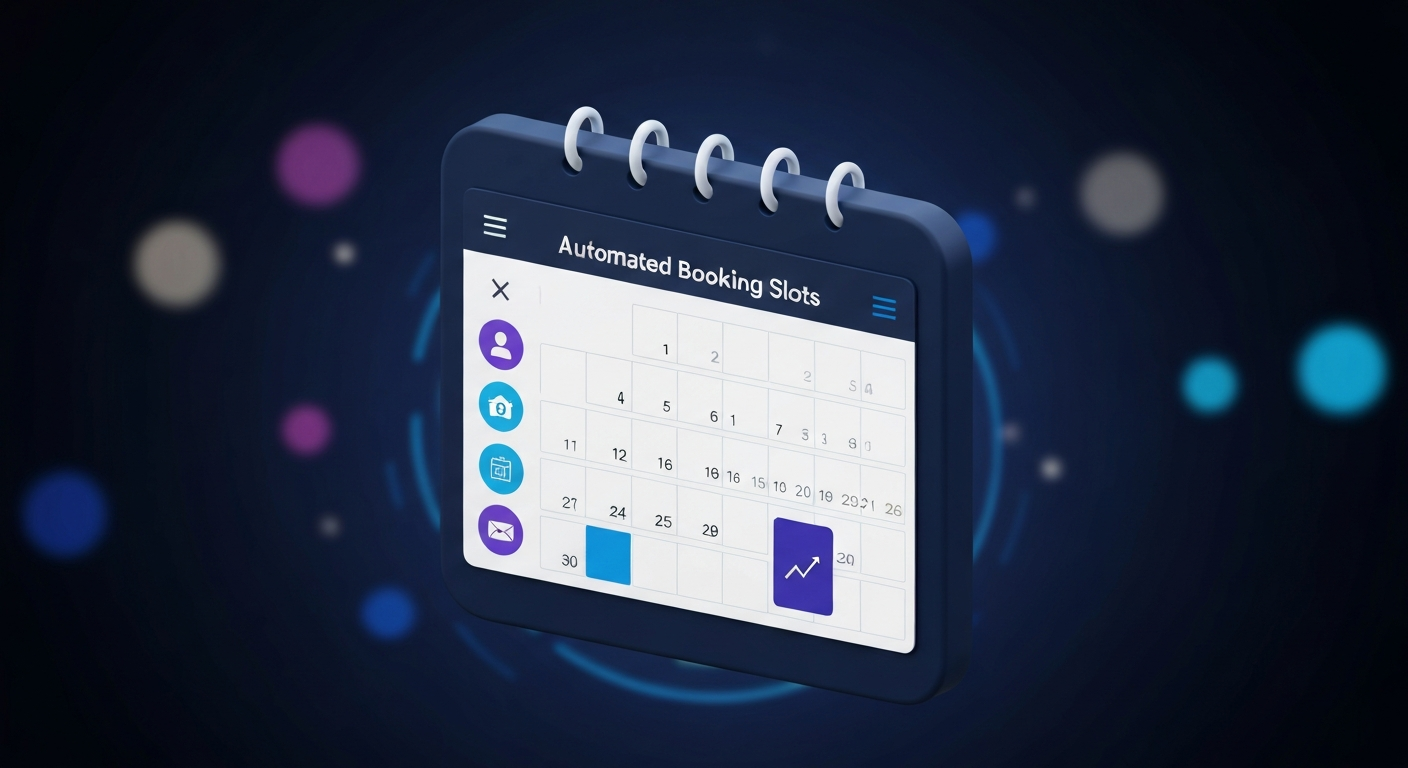
Appointment booking automation is a combination of tools and workflows that allow prospects and clients to self-schedule time with you or your team without any manual intervention. Instead of the back-and-forth email exchange, prospects see your available time slots in real time, choose what works for them, and receive an automatic confirmation — all in seconds.
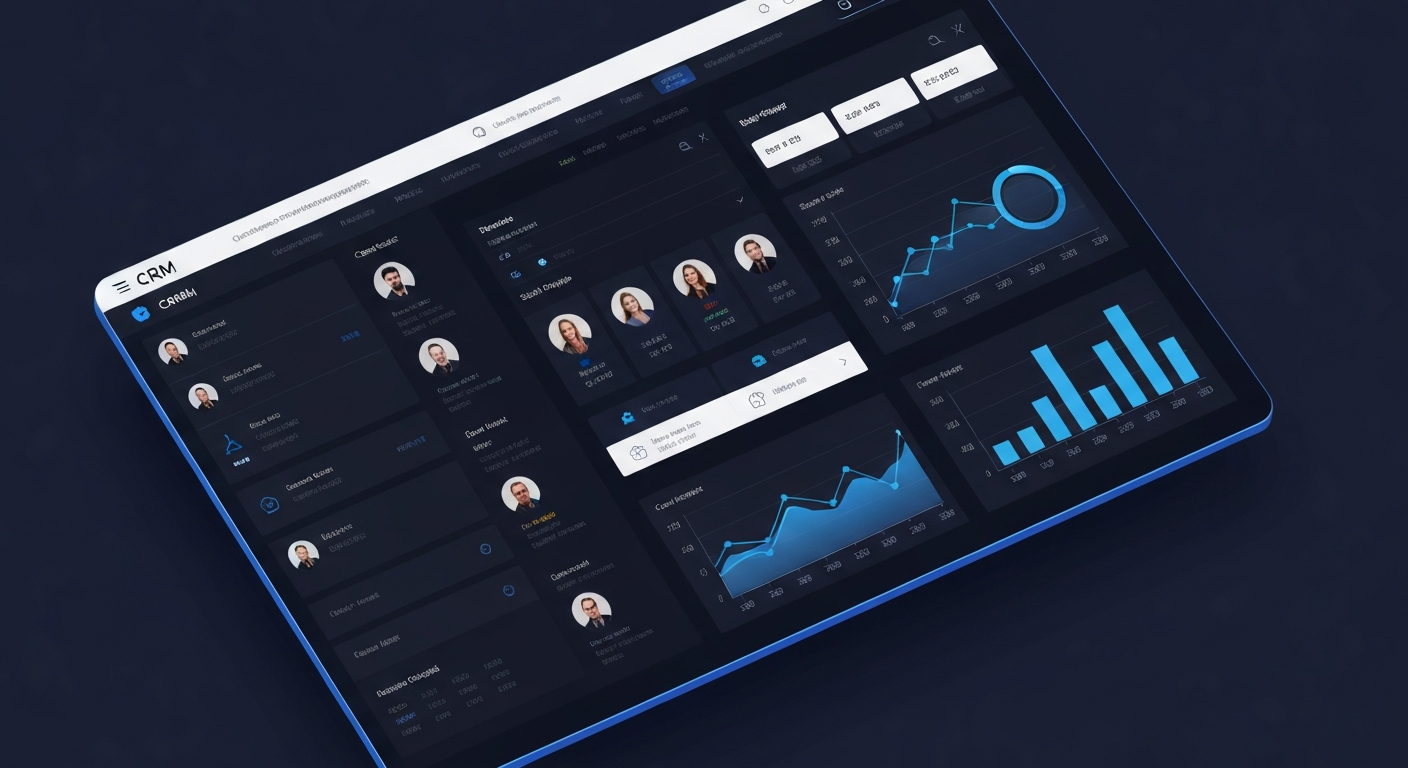
But modern booking automation goes far beyond just scheduling. When properly integrated with your CRM and marketing automation, a booking system can automatically capture and qualify leads, send customized confirmation and reminder messages, trigger pre-appointment nurture sequences, follow up after no-shows, and update your pipeline automatically.
The Business Impact of Booking Automation
Dramatically Reduced No-Show Rates
The most immediate and measurable impact of booking automation is on no-show rates. Automated appointment reminders sent via SMS and email — at 24 hours before, 1 hour before, and even 15 minutes before the appointment — consistently reduce no-show rates by 50–80%. For service businesses where each appointment represents significant revenue, this alone can justify the cost of any booking automation system many times over.
Eliminated Scheduling Back-and-Forth
Research by Doodle found that businesses waste 4.8 hours per week just scheduling meetings. For a solo entrepreneur or small team, that's 25% of a full work day spent on administrative coordination that adds zero value. Booking automation eliminates this entirely, freeing that time for revenue-generating activities.
24/7 Lead Capture
Many of your prospects are researching service providers outside business hours. When someone visits your website at 11pm and wants to book a consultation, a manual scheduling process means they have to wait until morning to hear back — by which time they may have moved on. An automated booking system captures that appointment immediately, regardless of when the interest strikes.
Building Your Appointment Booking Automation System
Step 1: Choose Your Booking Tool
Several booking tools integrate with CRM systems and support automation:
- Calendly: Clean, simple, widely trusted. Good integration options.
- Acuity Scheduling: Strong automation features, intake forms, and client management.
- CalendlyHQ/integrated booking in CRM platforms: All-in-one platforms that combine scheduling with full CRM and automation functionality eliminate the need for separate tools and provide tighter integration.
Our CRM and automation setup includes fully integrated booking as a core component — so your calendar, CRM, and follow-up sequences all work as a single system rather than disconnected tools.
Step 2: Design Your Intake Process
The booking form is an opportunity to pre-qualify appointments before they ever appear on your calendar. Include questions that help you understand the prospect's situation, their specific needs, their budget range, and their timeline. This serves two purposes: it filters out poor-fit prospects (saving everyone's time) and it prepares you to deliver an exceptional consultation experience for the well-qualified ones.
Step 3: Build Your Confirmation Sequence
As soon as a booking is made, your automation should immediately:
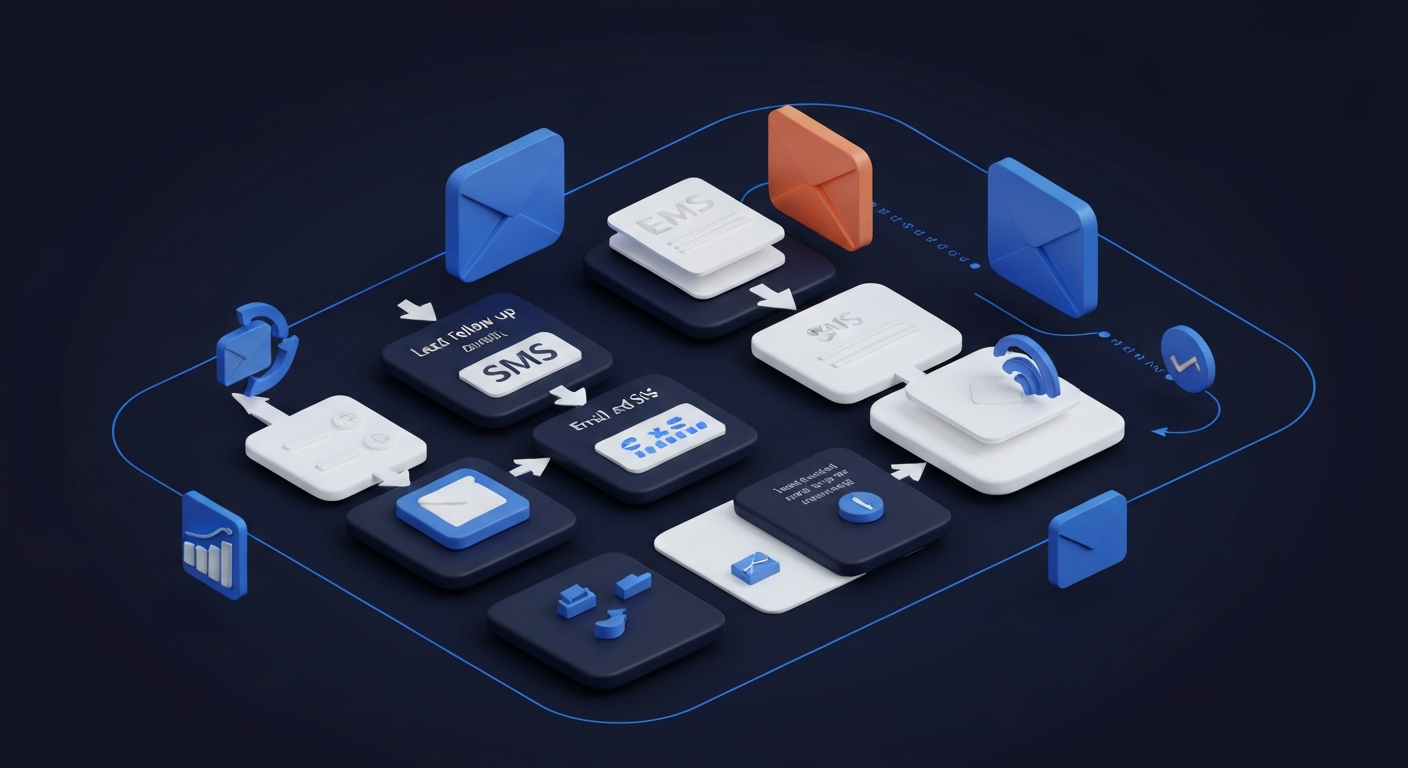
- Send a confirmation email with appointment details, a calendar link, and what to expect
- Send a confirmation SMS with a 1-click "can't make it" rescheduling link
- Add the prospect to your CRM with all intake form data populated
- Notify you or the appropriate team member that a new booking has been made
- Create a pre-appointment task in your CRM to review their intake form before the call
Step 4: Build Your Reminder Sequence
Your reminder sequence is your no-show prevention system:
- 48 hours before: Email reminder with preparation tips to maximize the value of the consultation
- 24 hours before: SMS reminder with appointment time and video/phone link
- 1 hour before: Brief SMS reminder with direct link to join the call
Including value in your reminders (a relevant article, a preparation checklist, a simple question to think about before the call) increases show-up rates by making prospects feel invested in the upcoming conversation.
Step 5: Build Your Post-Appointment Sequence
What happens after a consultation is often more important than the consultation itself. Your post-appointment automation should:
- Send an immediate follow-up within 30 minutes of the appointment ending (thank them, outline next steps)
- Send your proposal or recommended package within 24 hours if applicable
- Trigger a follow-up sequence over the following 1–2 weeks for prospects who don't immediately commit
- Move the contact to the appropriate CRM pipeline stage based on the appointment outcome
Step 6: Handle No-Shows Automatically
No-shows happen. Your automation should handle them gracefully:
- Wait 10–15 minutes, then send a concerned check-in: "Hey, I'm at the call link and don't see you — everything okay?"
- 30 minutes after the no-show: send a rescheduling link with pre-populated availability
- 24 hours later: a brief follow-up checking if they'd like to find another time
Embedding Your Booking Link Everywhere
The most sophisticated booking system in the world generates no value if prospects can't find it. Your booking link should be embedded in: your website navigation, your website footer, every email you send (in your signature), your social media bios, your Google Business Profile, and any ad landing pages.
The goal is zero friction between a prospect's decision to book and the actual booking confirmation. Every additional click, redirect, or step you add to the process reduces completion rates. Make it as easy as humanly possible to get on your calendar.
The Revenue Impact
For most service businesses, implementing comprehensive booking automation produces a meaningful and rapid revenue impact: more appointments from the same traffic (24/7 availability), higher show rates (systematic reminders), faster close rates (immediate follow-up), and higher client lifetime value (post-appointment nurture). Our Growth and AI Pro packages include all of this, fully configured and integrated, in 7 days.
Infrastructure Deployment
Ready to Deploy Your AI Infrastructure?
Build a scalable business operating system designed for modern growth.