If you've been running your client relationships out of a spreadsheet, your email inbox, or worse — your memory — you are almost certainly losing money. Leads slip through the cracks. Follow-ups happen days late or never at all. Deals that could have closed fall apart because someone forgot to respond. Sound familiar?
A CRM (Customer Relationship Management) system solves all of this. And while CRMs were once associated with large enterprise sales teams with complex implementations, the right CRM for a small business is powerful, affordable, and surprisingly fast to get set up. This guide explains exactly what a CRM is, what it does, and why your business needs one right now.
What Is a CRM?
A CRM is software that helps you manage all of your interactions with current and potential customers in one centralized place. At its most basic level, a CRM is a database of your contacts — but a modern CRM is far more than that.
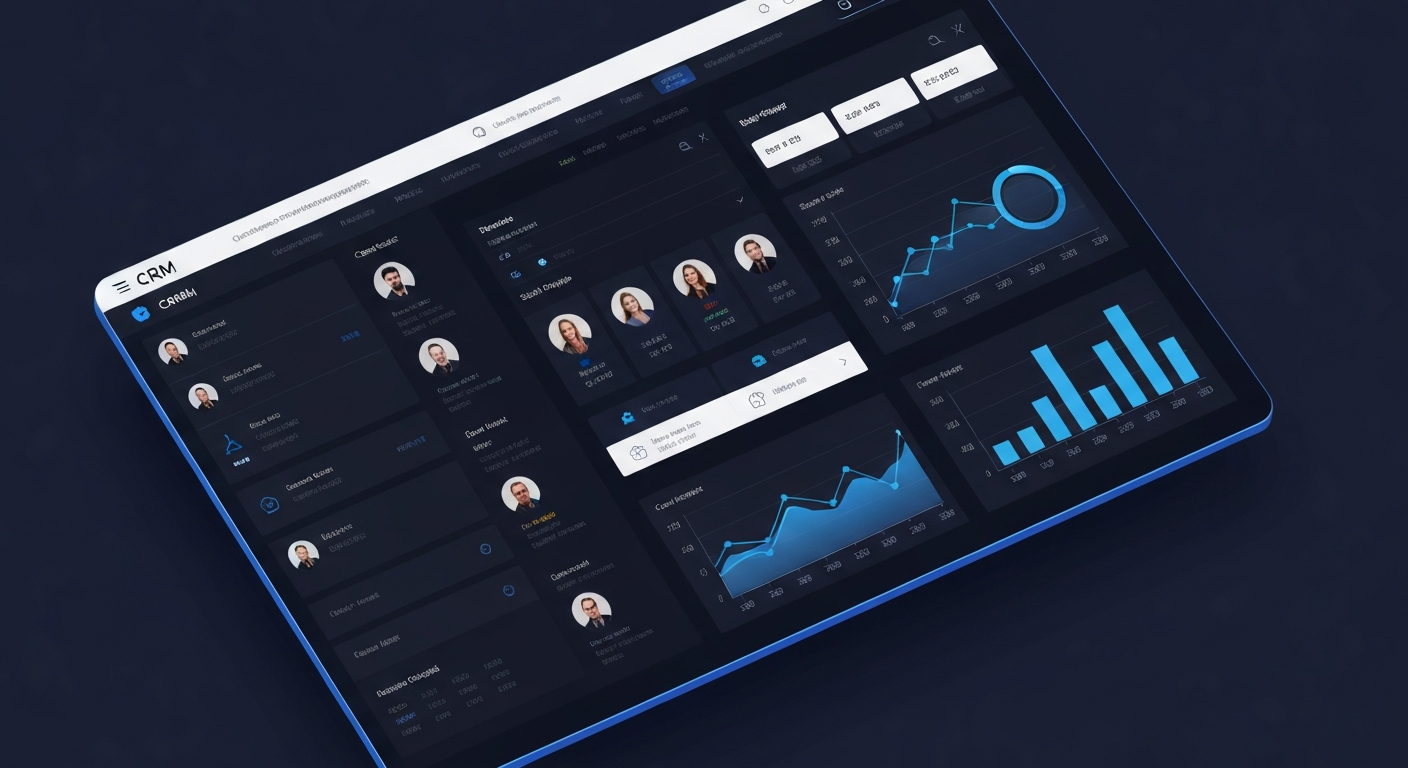
A modern small business CRM tracks every interaction you've had with each lead and client: emails sent, calls made, meetings scheduled, proposals submitted, and payments received. It shows you exactly where each prospect is in your sales process, automatically triggers follow-up reminders and sequences, and gives you a bird's-eye view of your entire pipeline — all in real time.
Think of your CRM as the central nervous system of your business's revenue operations. Every lead, every client relationship, every sales activity flows through it. Without a CRM, your revenue depends on memory, habit, and spreadsheets — unreliable systems that break down as soon as your business gets busy.
The Core Functions of a Small Business CRM
Contact Management
Every person who has ever expressed interest in your business — whether they filled out a contact form, attended a webinar, received a proposal, or became a paying client — should be in your CRM. Their contact information, company details, and interaction history are all stored in their profile, accessible instantly to you or anyone on your team.
Pipeline Management
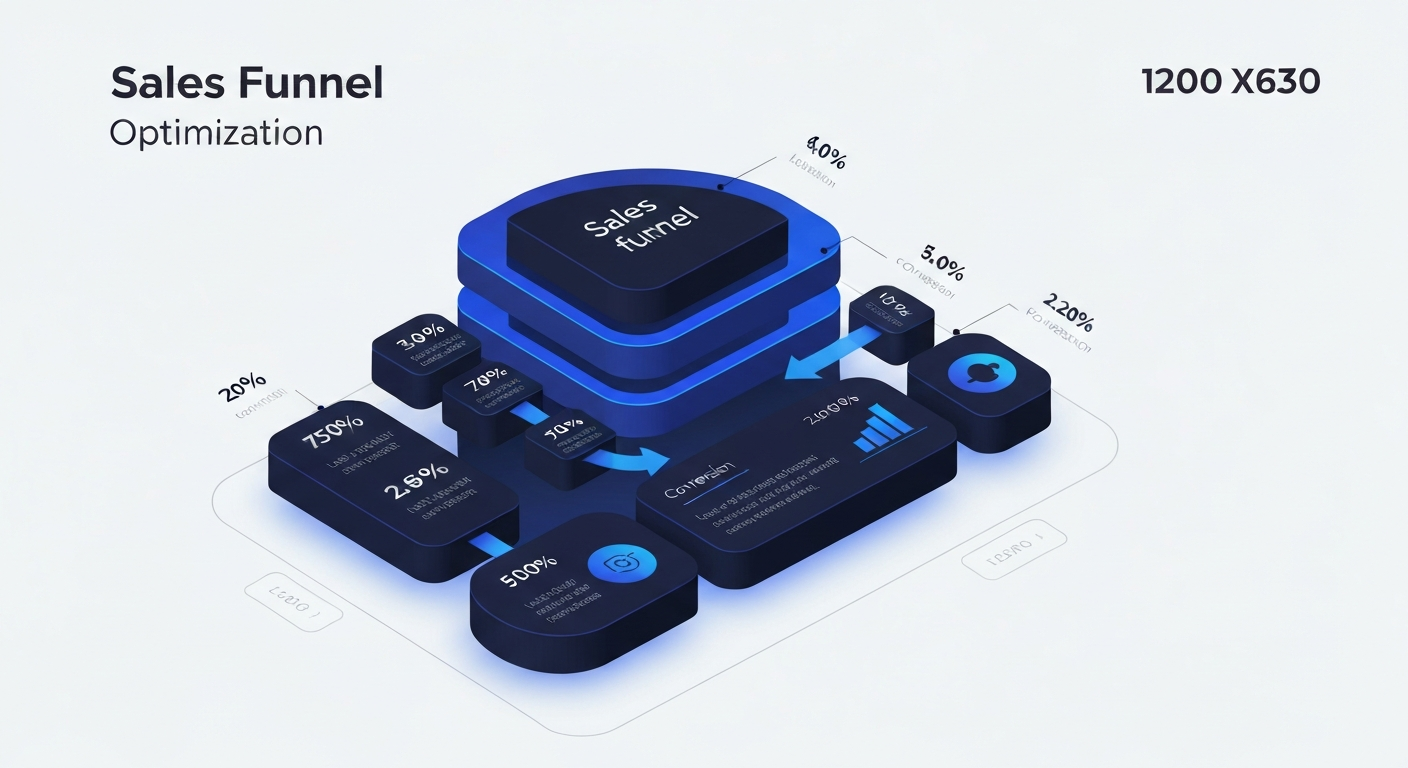
A CRM gives you a visual pipeline that shows every active deal and exactly where it stands in your sales process. You can see at a glance: how many prospects are in active consideration, which ones have gone quiet and need follow-up, and what your projected revenue looks like based on current pipeline value. This visibility is transformative for businesses that previously tracked deals in spreadsheets or emails.
Automated Follow-Up
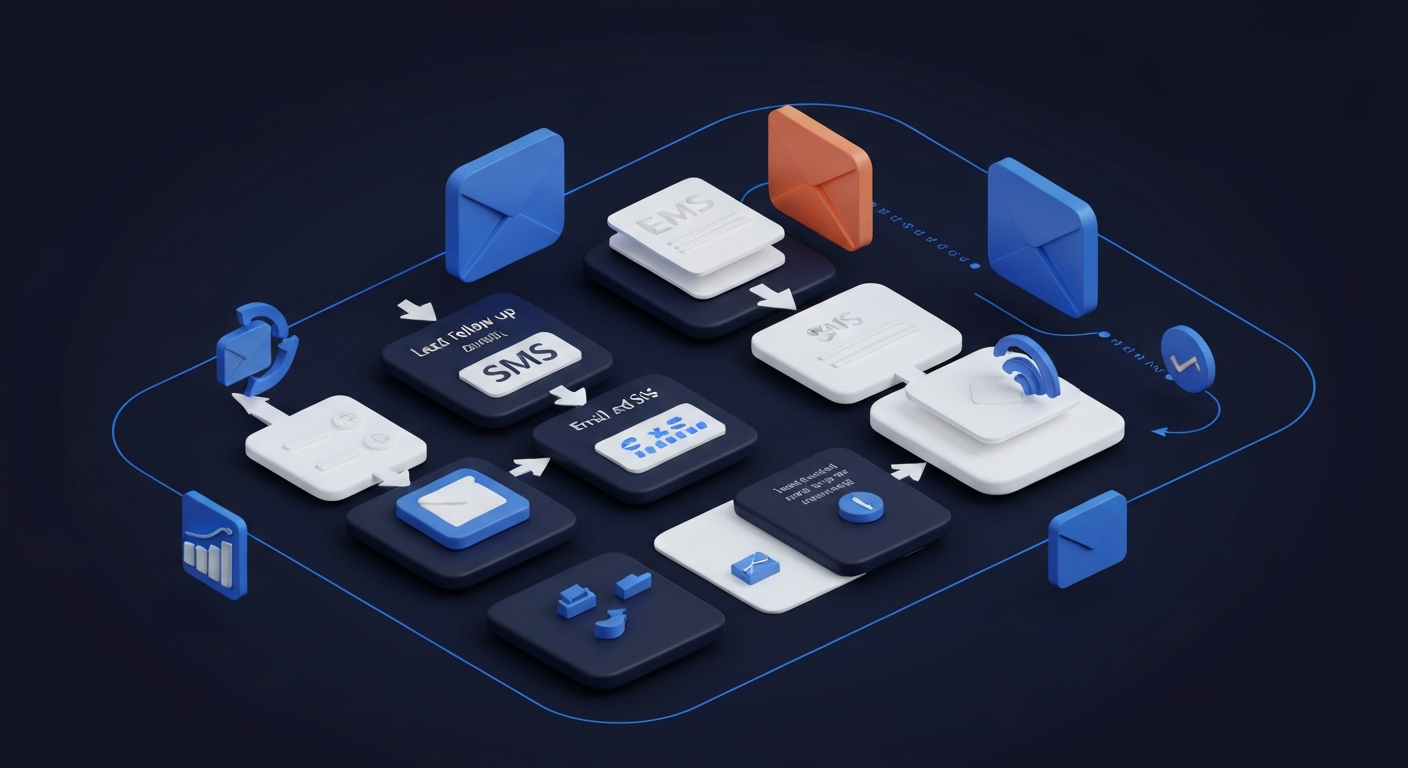
The most common reason deals are lost in small businesses isn't price or competition — it's lack of follow-up. Research shows 80% of sales require five or more follow-up contacts, yet most businesses give up after one or two. A CRM with automation capabilities can send personalized follow-up emails and texts on your behalf, at the optimal intervals, without you having to remember a single task.
Our CRM and automation service sets up these follow-up sequences as part of your complete business launch package — so you're automatically following up with every lead from day one.
Task and Activity Management
A good CRM automatically creates tasks and reminders tied to specific contacts and deals. When a prospect goes dark after a proposal, your CRM reminds you to follow up in three days. When a client's contract is coming up for renewal, your CRM notifies you two weeks in advance. This proactive task management ensures nothing important falls through the cracks.
Reporting and Analytics
How long does it take to convert a lead into a client? What's your close rate on proposals? Which lead source brings in the most revenue? A CRM gives you answers to these questions with real data rather than guesswork — and those insights allow you to focus your energy and marketing spend on what's actually working.
Why Every Small Business Needs a CRM in 2025
The Cost of No CRM
Consider the revenue impact of losing one qualified lead per week due to poor follow-up. If your average client value is $3,000 per year, losing one lead per week costs your business $156,000 annually in potential revenue. That math becomes even more striking as your average deal size increases.
Most small businesses aren't losing leads intentionally — they're losing them because they don't have systems to prevent it. A CRM is that system.
Scalability
The processes that work when you have 5 clients break down completely when you have 50. Without a CRM, growth creates chaos: more leads to track, more client relationships to manage, more follow-ups to remember. With a CRM, growth is manageable because the system scales with you. Your CRM doesn't forget to follow up when you get busy.
Team Alignment
As soon as you add even one team member — a virtual assistant, a salesperson, a part-time employee — shared visibility into client relationships becomes critical. A CRM gives your entire team real-time access to the same information, eliminating the "I thought you were following up with them" miscommunications that cost businesses deals and damage client relationships.
AI Integration
Modern CRMs increasingly integrate with AI tools that automate tasks that used to require human attention. AI can analyze lead behavior to predict conversion likelihood, automatically personalize follow-up messages, suggest the optimal time to contact a prospect, and generate call summaries and next-step recommendations. These capabilities are no longer enterprise-only — they're available in small business CRM solutions today.
Choosing the Right CRM for Your Small Business
With dozens of CRM options on the market, the choice can feel overwhelming. Here's a simplified framework:
- Simple service business (solo or small team): HubSpot Free, Pipedrive, or Keap
- Businesses wanting all-in-one (CRM + website + email + SMS + automation): A comprehensive platform like the one we configure for clients
- E-commerce businesses: Klaviyo or Drip integrated with your store
- B2B/enterprise sales: Salesforce or HubSpot Pro
For most small businesses, the right CRM is the one that gets used consistently — not the most feature-rich option. Start with something simple and expand as your needs grow. See our pricing packages to see how we include complete CRM setup as part of your business launch.
Infrastructure Deployment
Ready to Deploy Your AI Infrastructure?
Build a scalable business operating system designed for modern growth.