Your business website is receiving visitors right now — some of them potential customers actively considering whether to work with you. But if those visitors hit your site outside business hours, or when your team is busy with other tasks, they get silence. No response. No engagement. And in many cases, they leave and contact a competitor who was ready to respond.
AI chatbots solve this problem completely. A properly configured AI chatbot on your website engages every visitor immediately, answers their questions accurately, qualifies their fit for your services, captures their contact information, and even books appointments — all without any human involvement. This guide shows you exactly how to deploy AI chat on your business website and configure it to generate leads around the clock.
Why AI Chatbots Work for Lead Generation
The psychology behind chatbot effectiveness is simple: people prefer to get answers immediately rather than waiting. A study by Drift found that 79% of consumers expect an immediate response to their questions, and 82% rate an "immediate response" as very important when they have a sales question.
Traditional options for meeting this expectation are expensive and impractical: a live chat agent available 24/7 requires staffing costs, training, and management. An AI chatbot delivers the same immediacy at a fraction of the cost, with perfect consistency, infinite scalability, and zero downtime.
For lead generation, the impact is concrete: businesses using AI chatbots consistently see 30–50% more leads captured from the same website traffic, simply because every visitor gets an immediate, engaging response instead of a "contact us" form and a promise to respond within 24 hours.
What AI Chatbots Can Do for Your Business
Answer Common Questions
Your chatbot should be trained on your complete business information: services offered, pricing (or pricing ranges), process, timeline, typical results, FAQs, and team background. When properly trained, your AI chatbot can answer 80–90% of common prospect questions with accuracy and appropriate detail — reducing your team's FAQ response burden while giving prospects the information they need to make a decision.
Qualify Leads Automatically
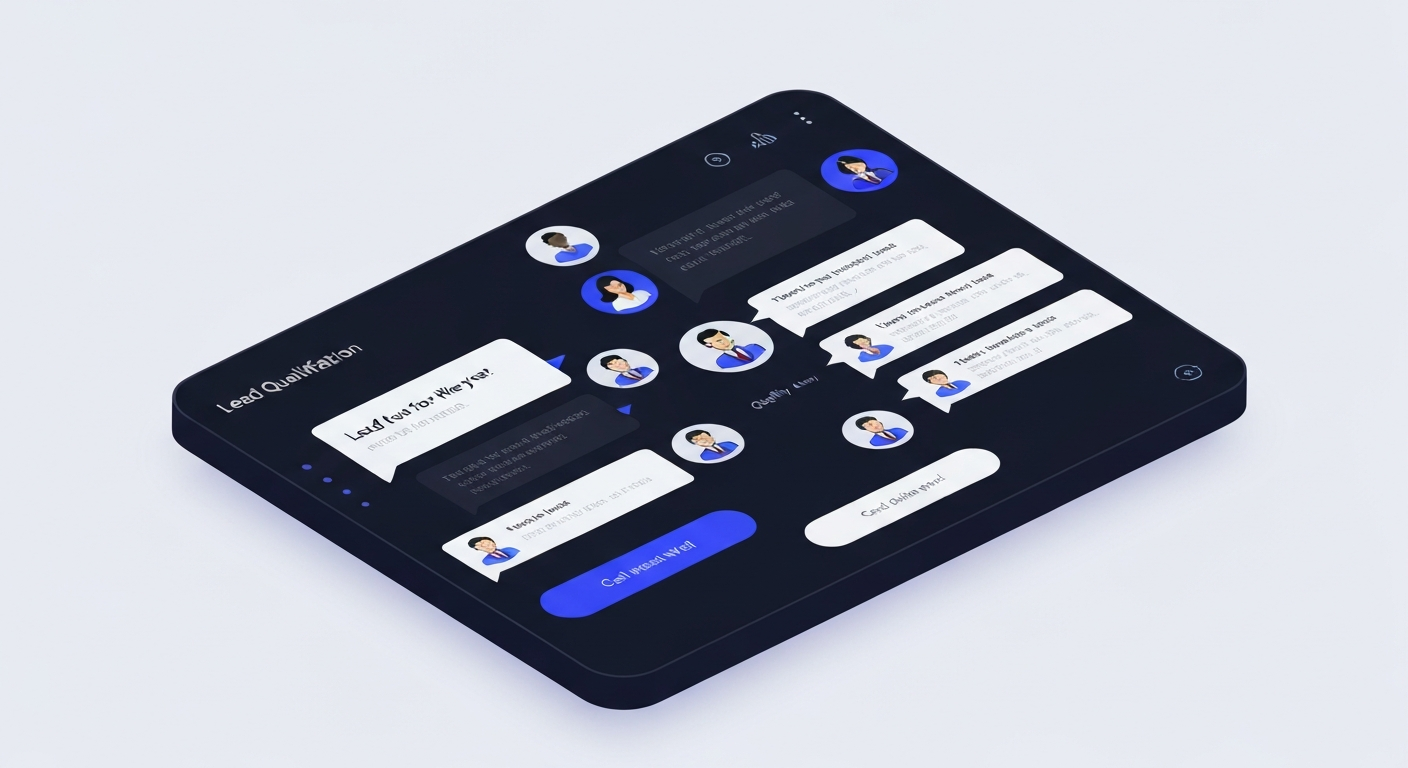
Not every visitor who engages with your chatbot is a good fit for your services. A well-configured chatbot qualification flow asks the right questions to determine fit: What type of project are they looking for? What's their approximate budget? What's their timeline? Are they the decision maker?
Based on their answers, your chatbot can route high-fit prospects to immediate booking options, provide medium-fit prospects with helpful information and a follow-up sequence, and gracefully redirect poor-fit prospects to alternative resources — all without your team spending time on conversations that won't convert.
Capture Contact Information
The chatbot should capture name, email, and phone number from every engaged visitor and automatically create a contact record in your CRM. This ensures that even visitors who don't book an appointment can be followed up with through your automated nurture sequences. Every chat interaction becomes a lead in your pipeline.
Book Appointments Directly
The most conversion-optimized chatbot flows guide qualified prospects directly to booking an appointment without leaving the chat window. Integrating your booking calendar into your chatbot flow means prospects can go from their first question to a confirmed appointment in under two minutes.
Handle Objections
Your chatbot can be trained to recognize and respond to common objections: "Your pricing seems high," "I'm still comparing options," "I'm not sure if this is the right fit." These are the exact objections your sales conversations handle — your chatbot can proactively address them with the information, social proof, and reassurance that moves prospects forward.
Setting Up Your AI Chatbot: Step by Step
Step 1: Choose Your Platform
Select a chatbot platform that integrates with your website and CRM. Top options include:
- Tidio: Excellent for small business websites. Easy setup, good AI, CRM integrations.
- Intercom: More powerful for high-volume businesses. Better analytics and enterprise features.
- Drift: Purpose-built for B2B sales conversation. Strong routing and meeting scheduling features.
- Custom AI implementation: For businesses using an all-in-one platform, native AI chat integration provides the tightest connection to your CRM and automation.
Step 2: Design Your Conversation Flow
Map out the most common visitor journeys before you write a single chatbot message:
- Visitor wants pricing information → pricing overview → qualification questions → booking or lead capture
- Visitor has a specific question → answer → related information → next step CTA
- Visitor is ready to buy → fast-track to booking or purchase
- Visitor isn't ready → value delivery → lead capture → nurture sequence
Step 3: Write Your Chatbot Scripts
Your chatbot's language should match your brand voice — friendly, helpful, and appropriate for your industry. Keep individual messages short (2–4 sentences maximum). Use conversational language, not corporate-speak. Ask one question at a time. And always give visitors an easy path to reach a human if they prefer.
Step 4: Train Your AI on Your Business Knowledge
Modern AI chatbots can be trained on your website content, FAQs, service descriptions, and even previous chat transcripts. The more accurately you can capture your business's actual knowledge and communication style in the AI's training, the more convincingly your chatbot will represent your brand. Regularly review chat transcripts to identify gaps and update your AI's knowledge base.
Step 5: Integrate With Your CRM and Automation
Every lead captured through your chatbot should immediately and automatically flow into your CRM, trigger an appropriate welcome or follow-up sequence, and be visible in your pipeline. This integration turns your chatbot from a standalone conversational tool into a fully integrated component of your revenue system. Our Growth and AI Pro packages include this complete integration setup.
Measuring Chatbot Performance
Track these key metrics to evaluate your chatbot's effectiveness:
- Engagement rate: What percentage of visitors interact with the chatbot?
- Lead capture rate: What percentage of engaged visitors provide contact info?
- Booking rate: What percentage of qualified prospects book an appointment?
- Resolution rate: What percentage of questions does the AI resolve without human escalation?
- Conversion rate: What percentage of chatbot-captured leads ultimately become clients?
Review these metrics monthly and optimize your flows based on where conversations drop off. Even small improvements in conversion rate at each step compound into significant revenue impact over time.
Infrastructure Deployment
Ready to Deploy Your AI Infrastructure?
Build a scalable business operating system designed for modern growth.